Popular searches
- vw app connect
- Golf mk7
- MIB2
- bmw nbtevo
- carlinkit
- porsche pcm4


VW MIB2 CarPlay/Android Auto Activation
VW MIB2 CarPlay/Android Auto Activation

Audi TT MK3 CarPlay/Android Auto Activation
Audi TT MK3 CarPlay/Android Auto Activation

SEAT MIB2 CarPlay/Android Auto Activation
SEAT MIB2 CarPlay/Android Auto Activation

Skoda MIB2 CarPlay/Android Auto Activation
Skoda MIB2 CarPlay/Android Auto Activation

JAECOO 7 4K WiFi OEM-Style Dashcam
JAECOO 7 4K WiFi OEM-Style Dashcam

BMW NBTevo ID6/ID6 Apple CarPlay Activation
BMW NBTevo ID6/ID6 Apple CarPlay Activation

PCM5 Widescreen CarPlay/Android Auto Activation
PCM5 Widescreen CarPlay/Android Auto Activation

Wireless CarPlay/Android Auto Retrofit Module
Wireless CarPlay/Android Auto Retrofit Module

Carlinkit Mini Ultra 3 - makes factory wired CarPlay wireless.
Carlinkit Mini Ultra 3 - makes factory wired CarPlay wireless.


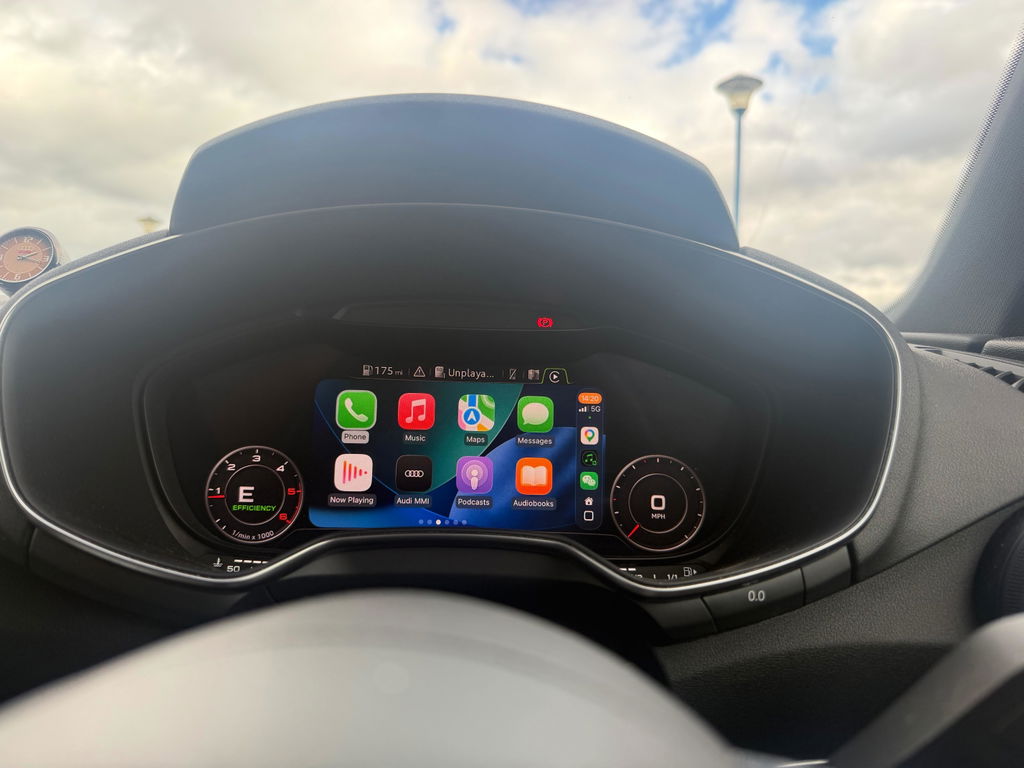
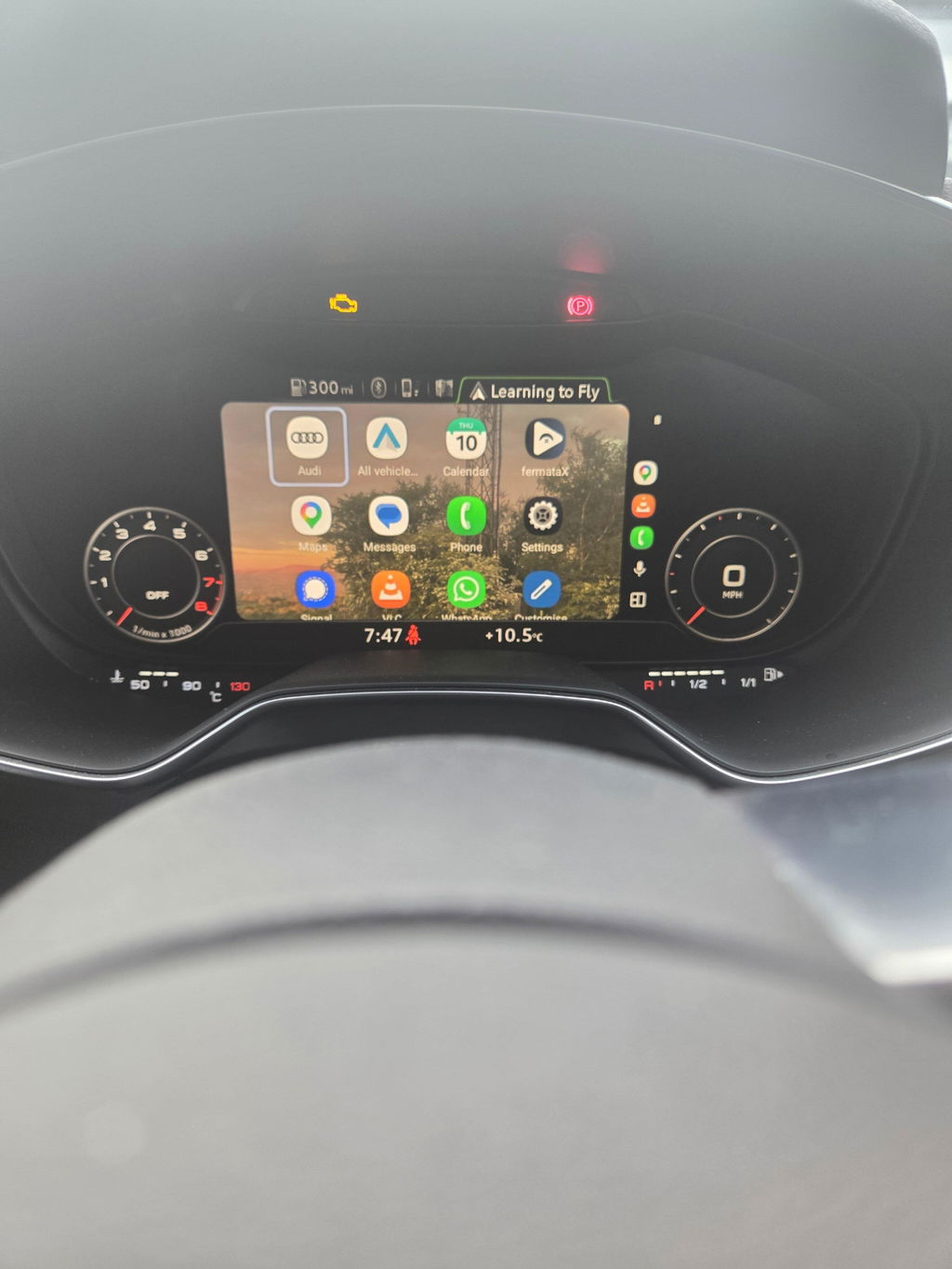
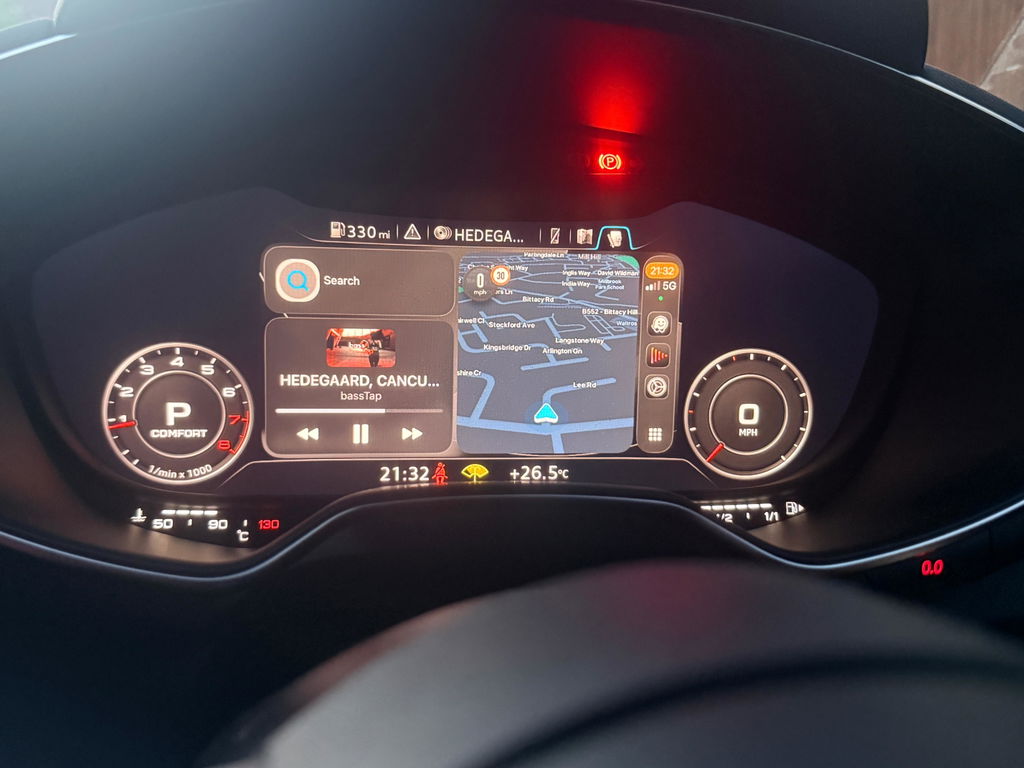
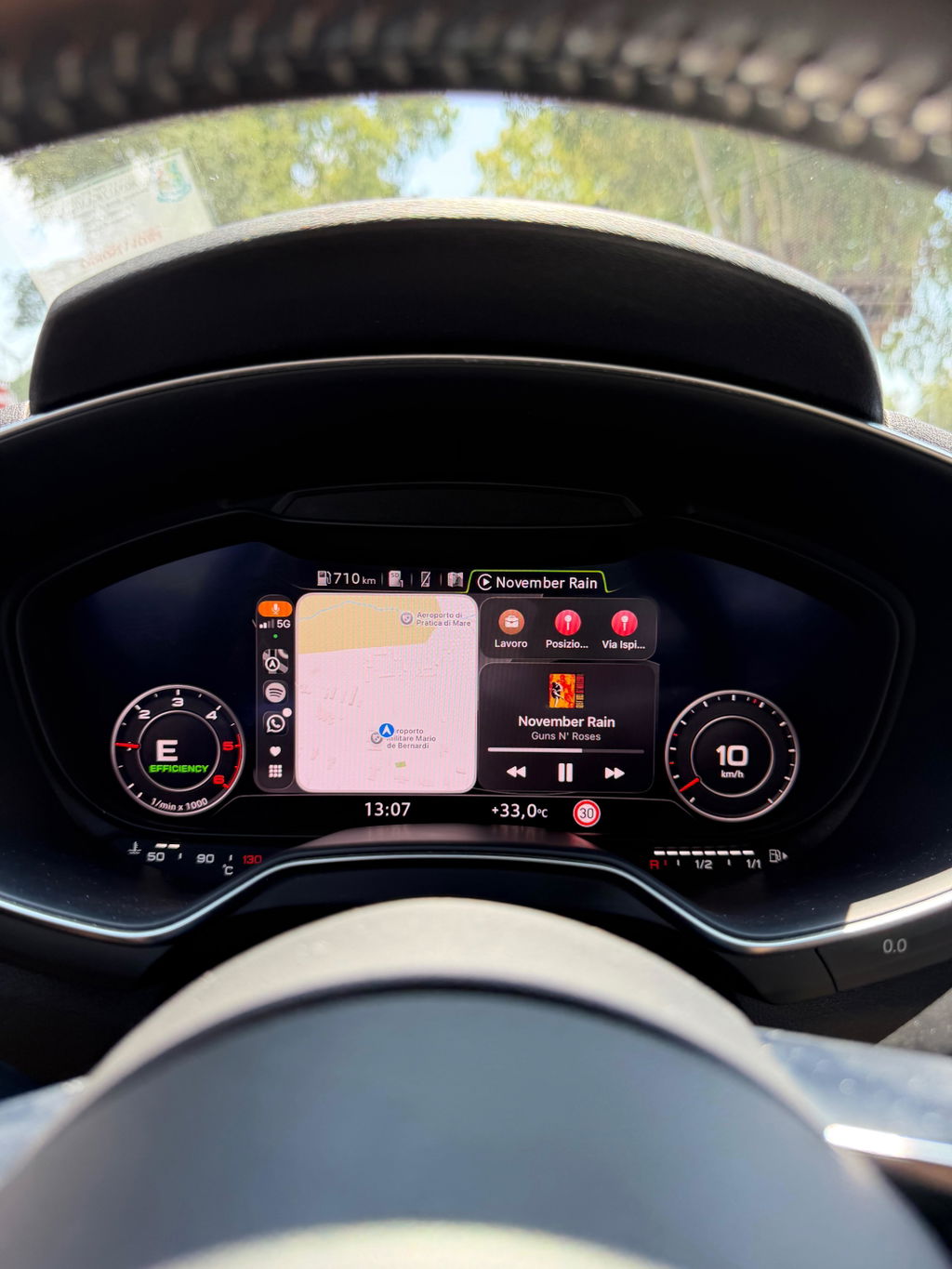
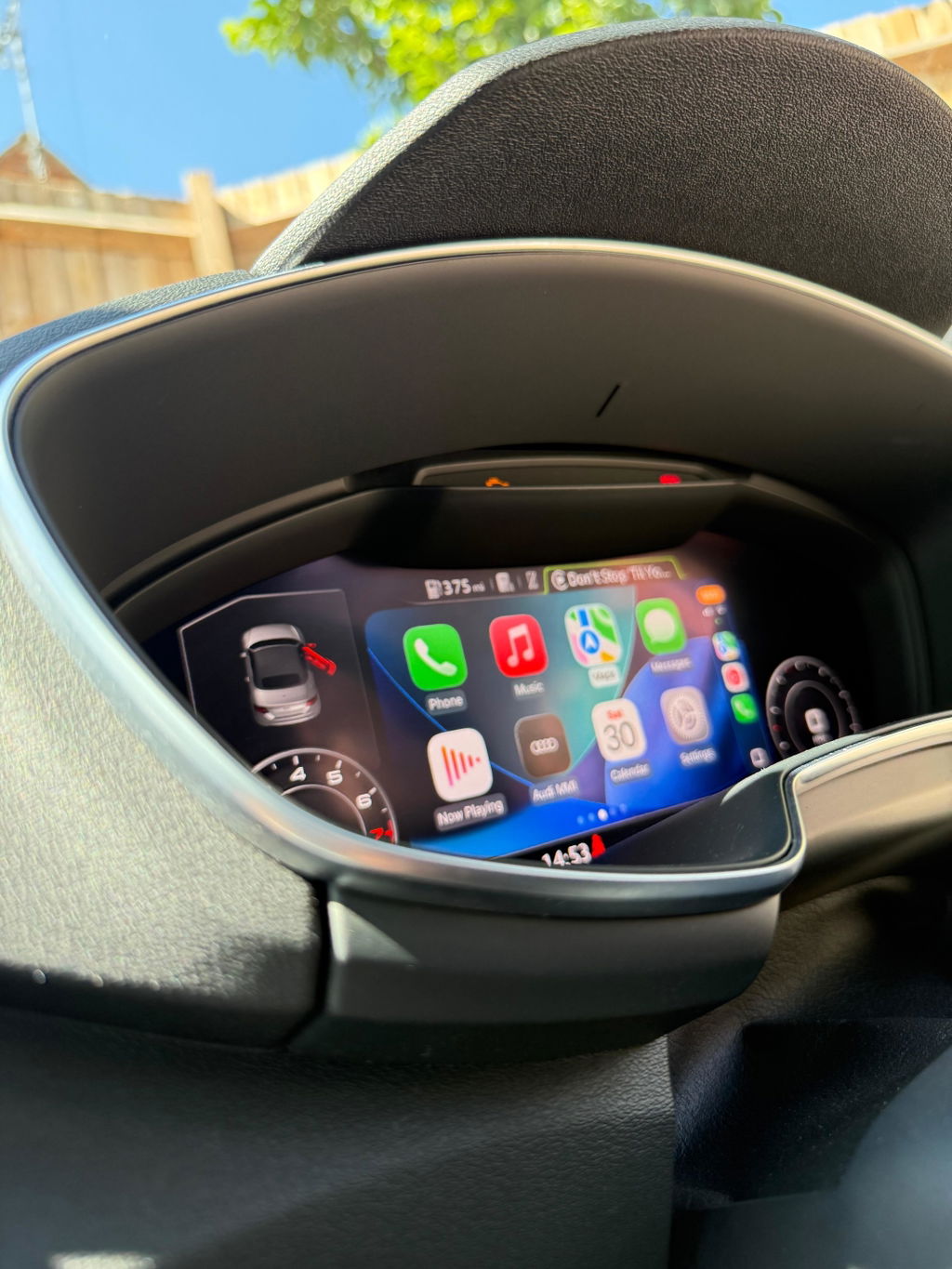
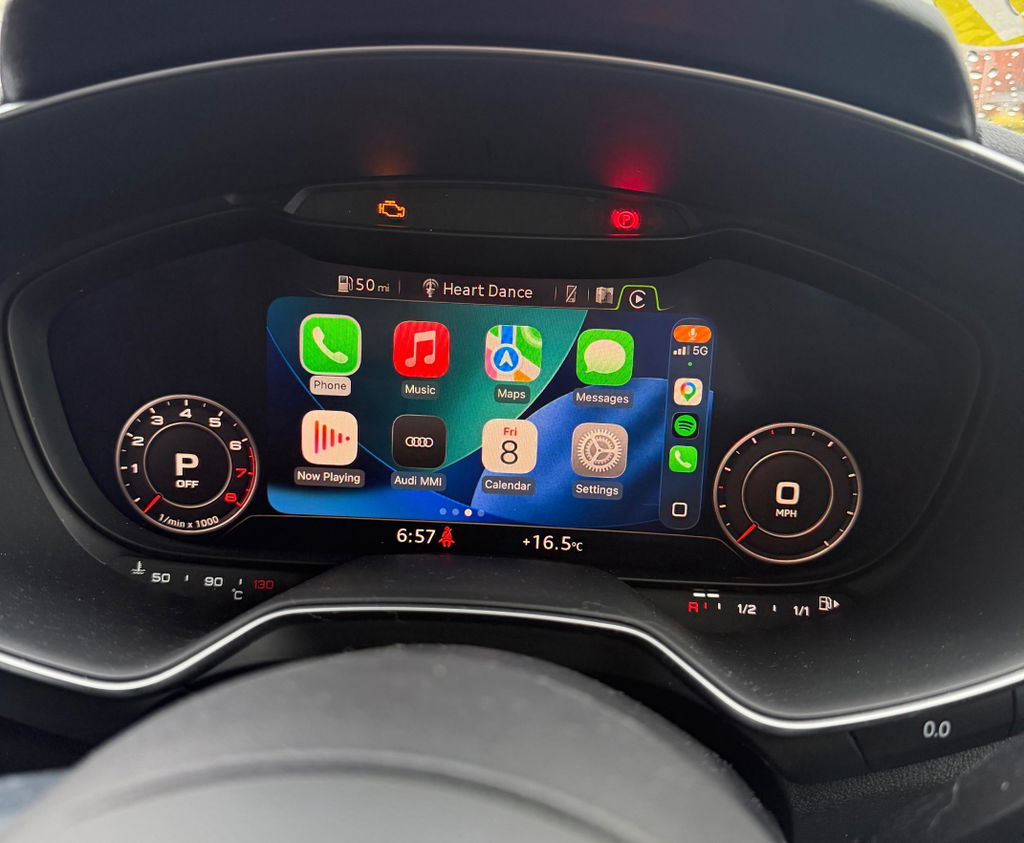
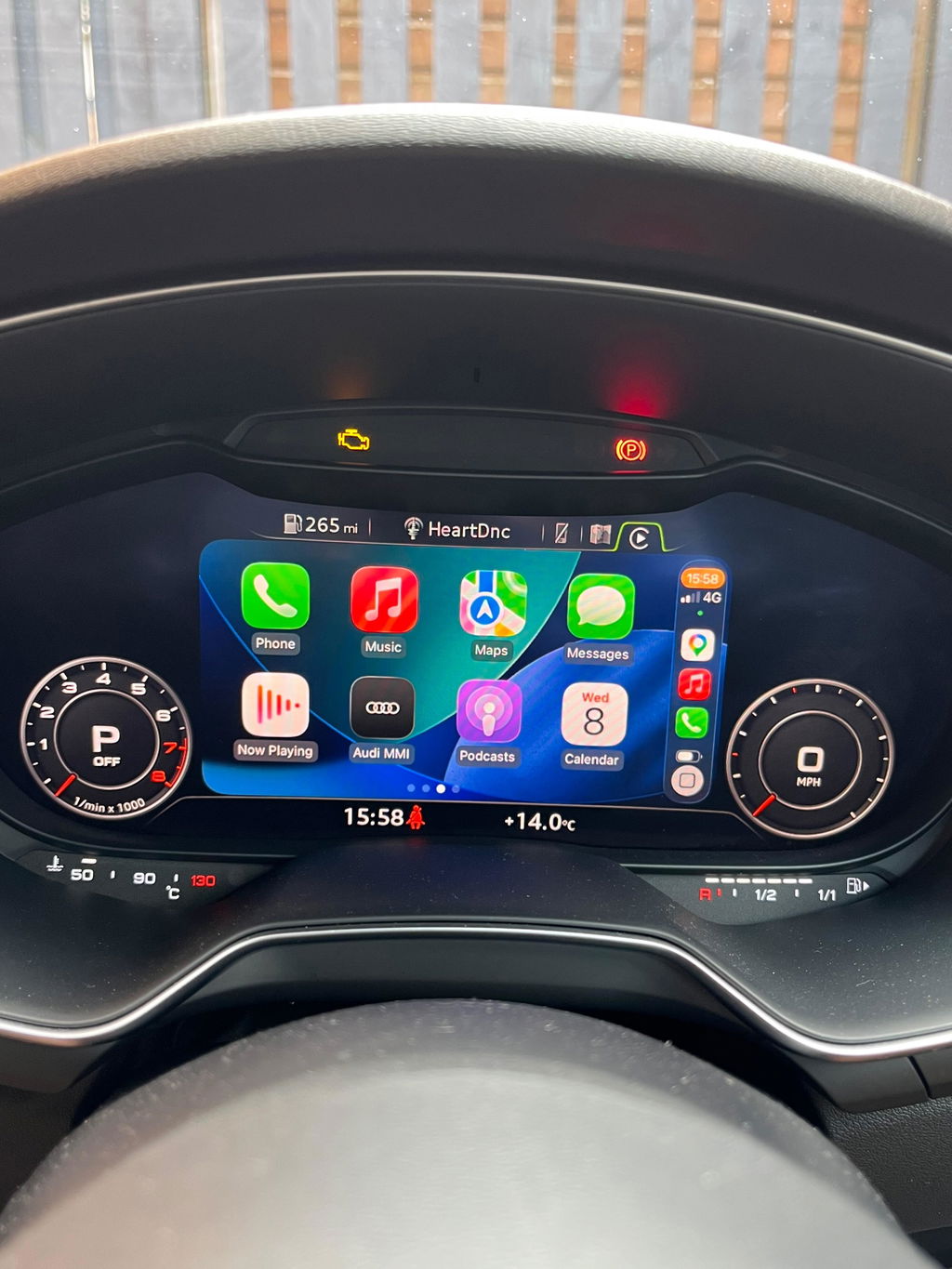
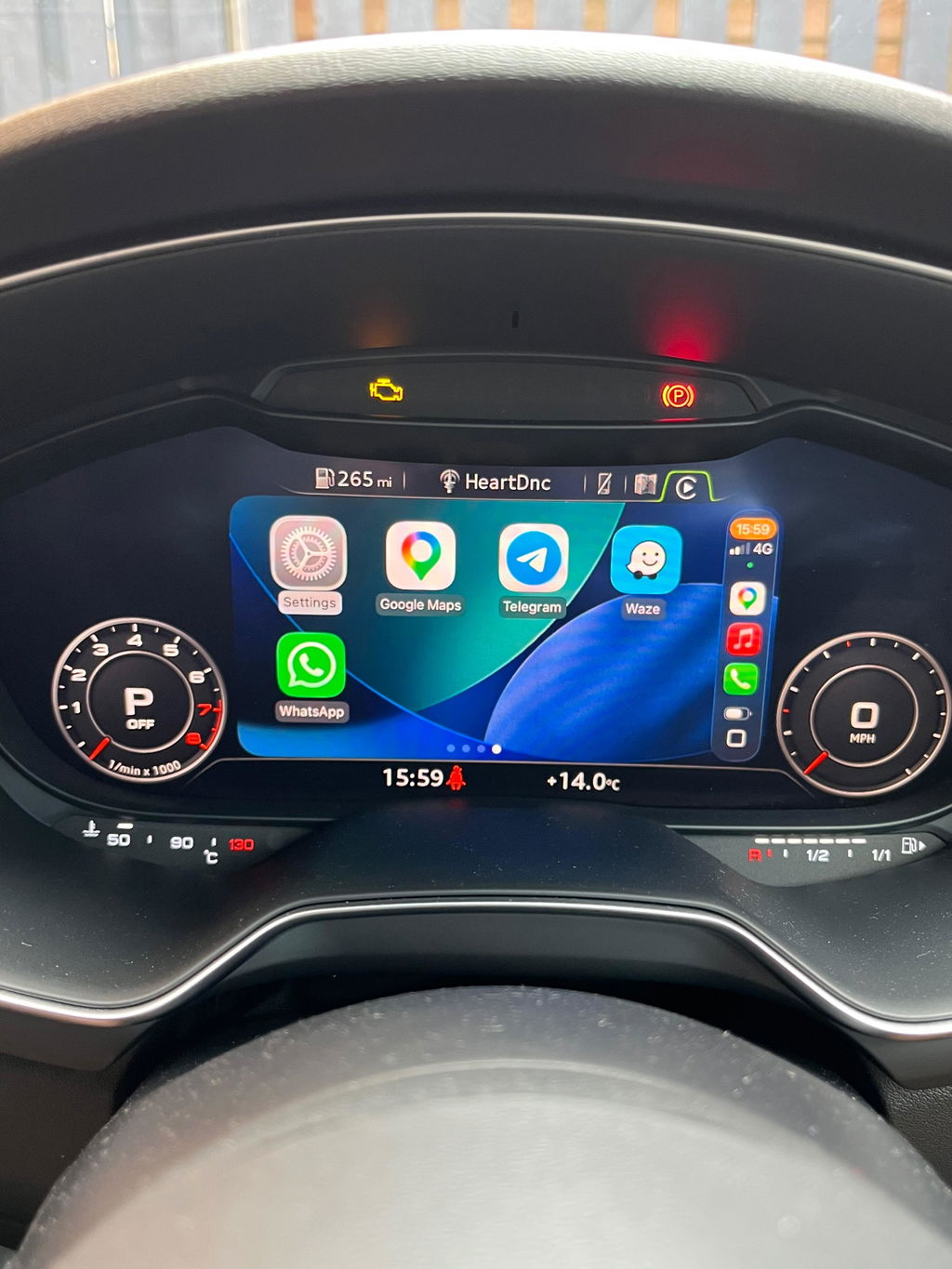
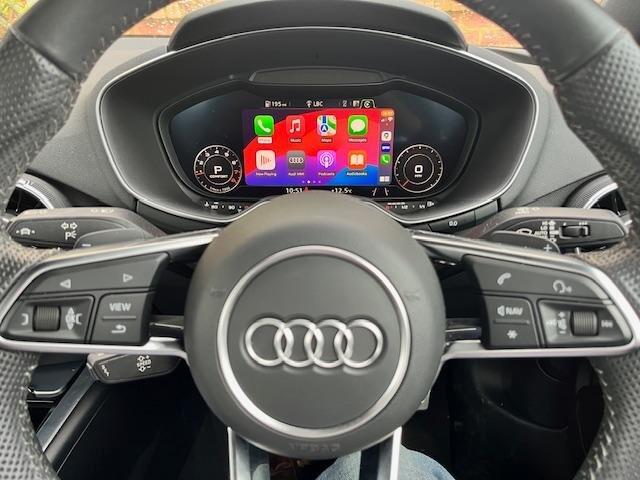
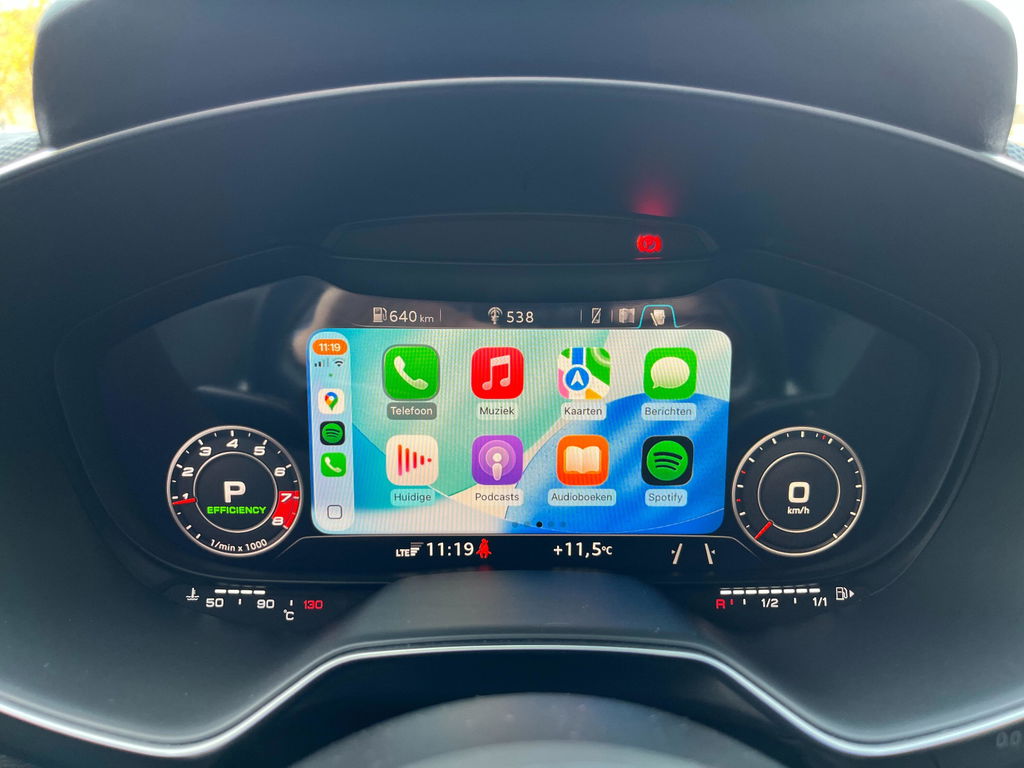
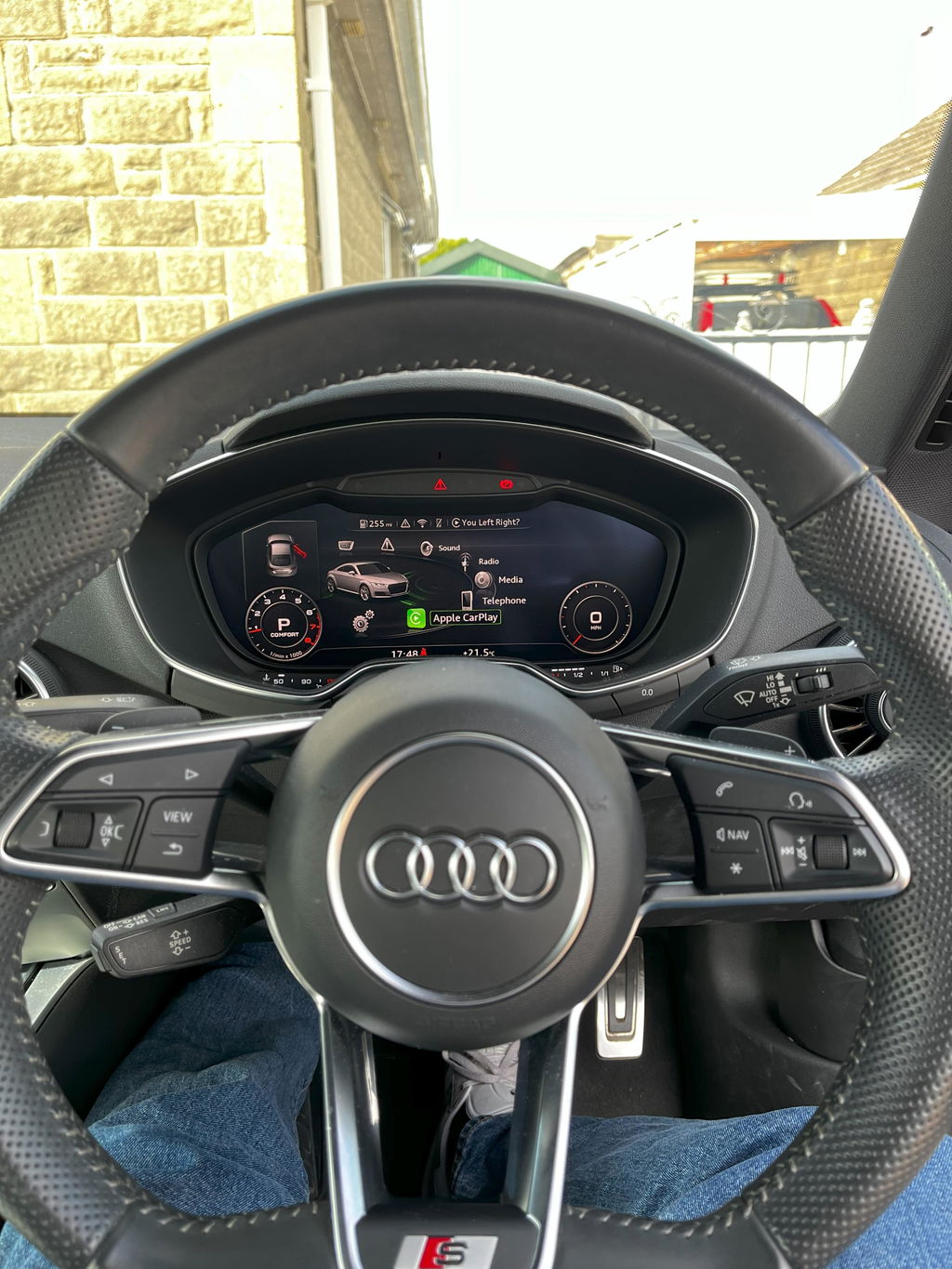
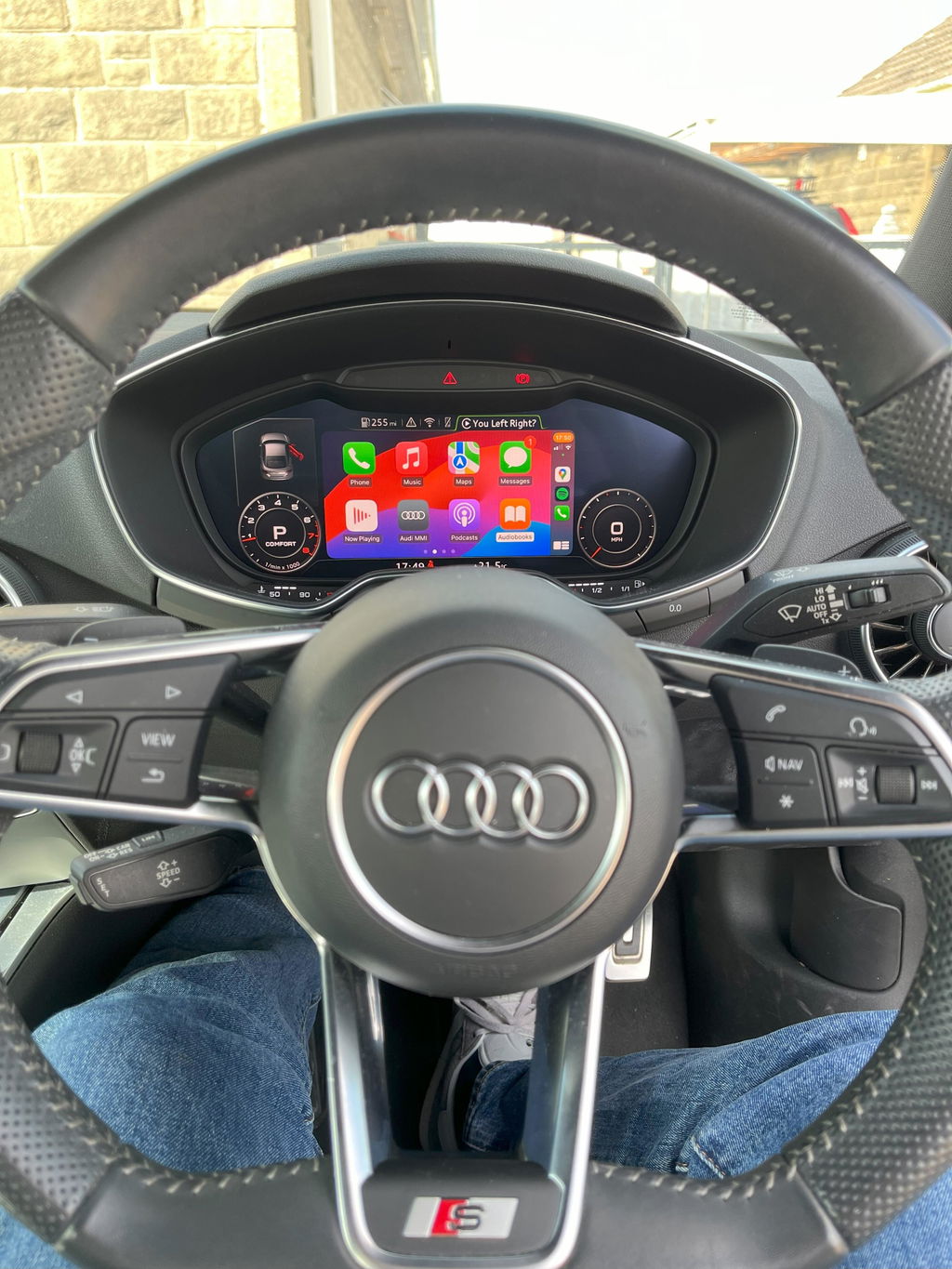
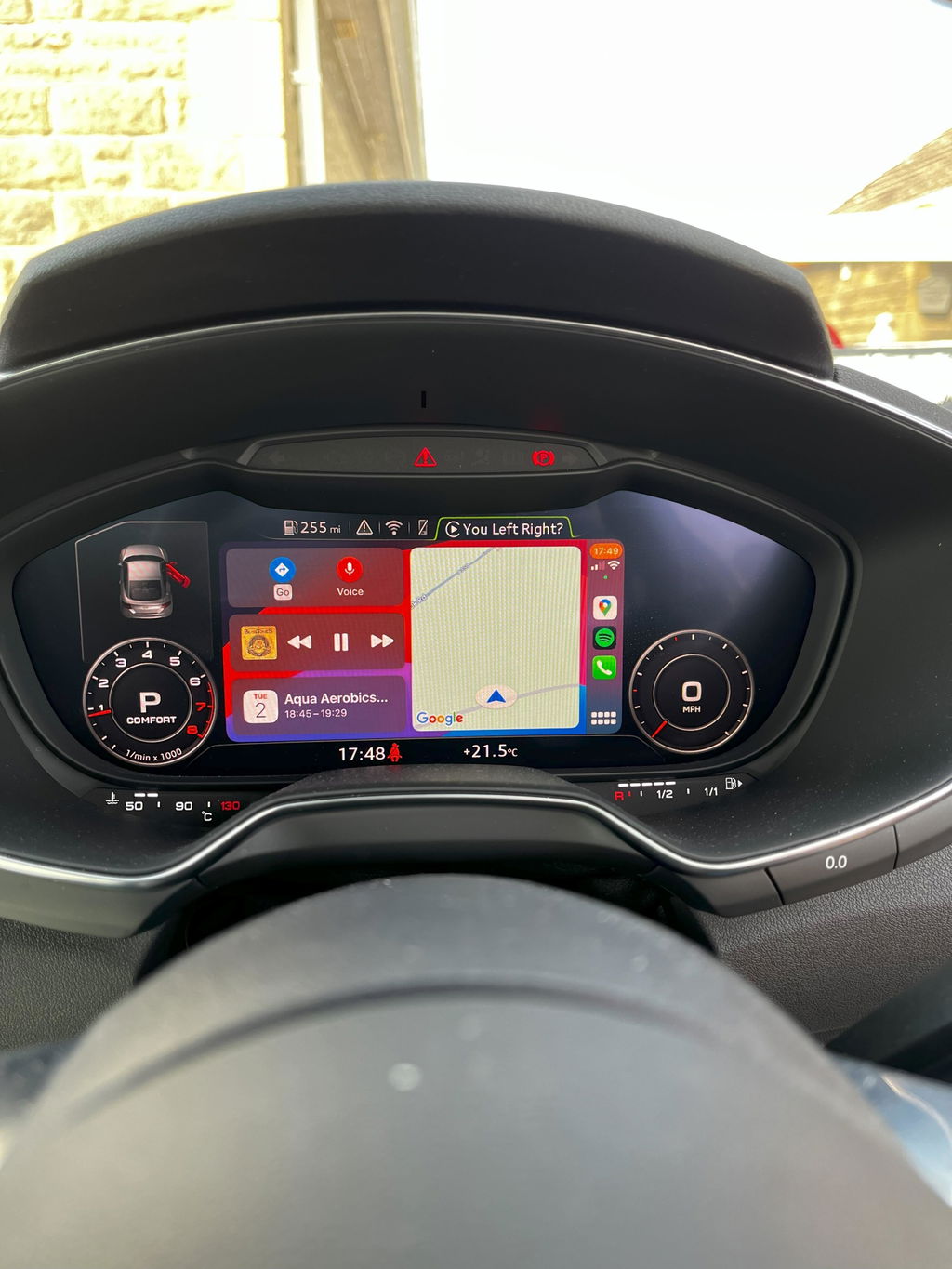
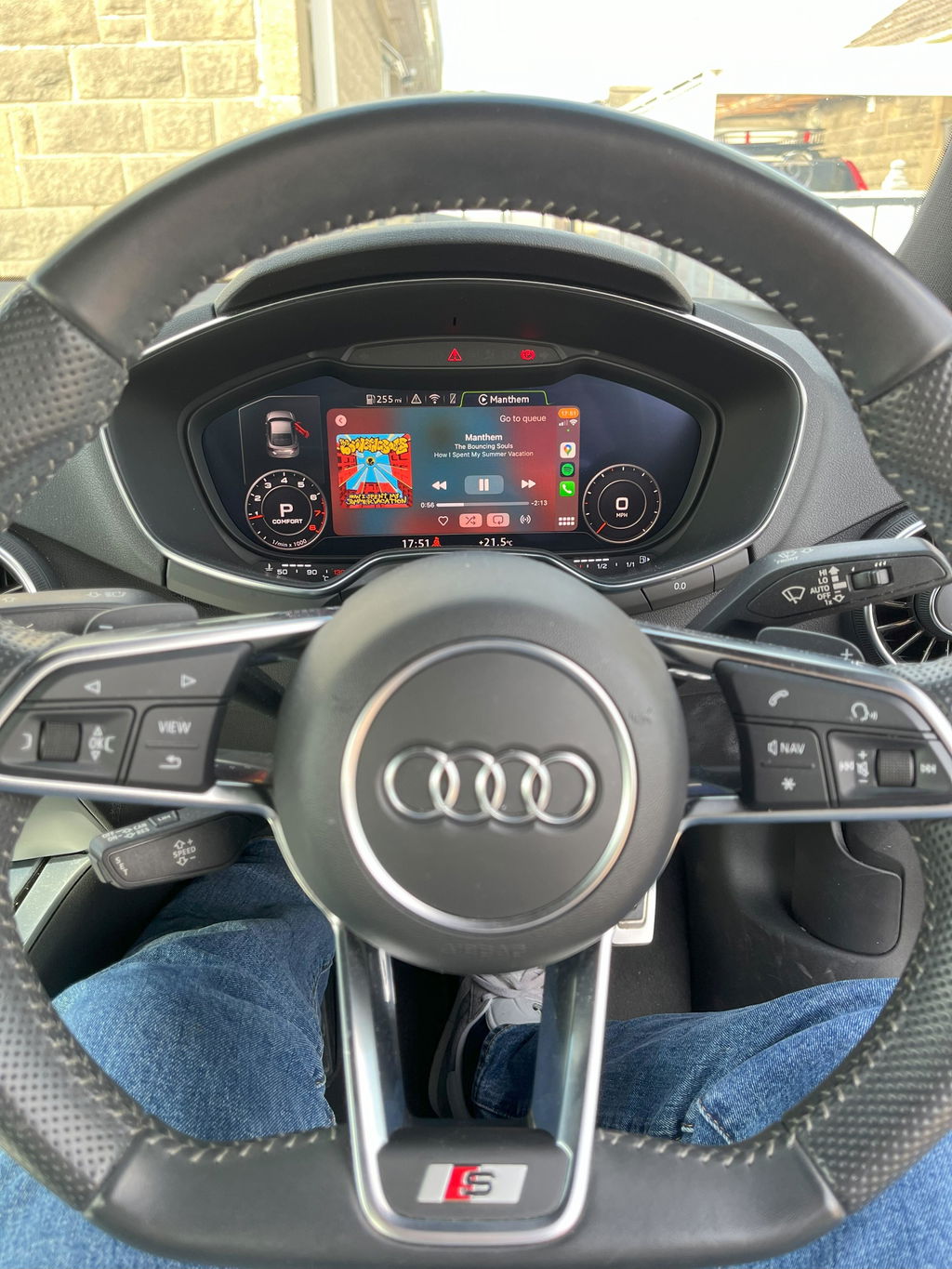
Unlock the full potential of your Audi TT (2014-2022) with this innovative software solution! No hardware changes are required. Effortlessly enable built-in wired Apple CarPlay and Android Auto functionality. Installation only requires an SD card.
Ends in
Black FridayBlack FridayEnds tomorrowLast dayLast nightFinal hoursFinal hour
Up to 20% off until midnight on Sunday (UK time).Up to 20% off until midnight on Sunday (UK time).Up to 20% off until midnight tomorrow, Sunday (UK time).Up to 20% off ends at midnight tonight (UK time). Check out before then to keep the Black Friday price.
Email – you load the files onto your own SD card (8–32GB) using a Windows or Mac computer. We send them within 1–12 hours.
SD card – we post you a card that’s ready to insert. No computer or spare card needed.
Not sure? Pick SD card.

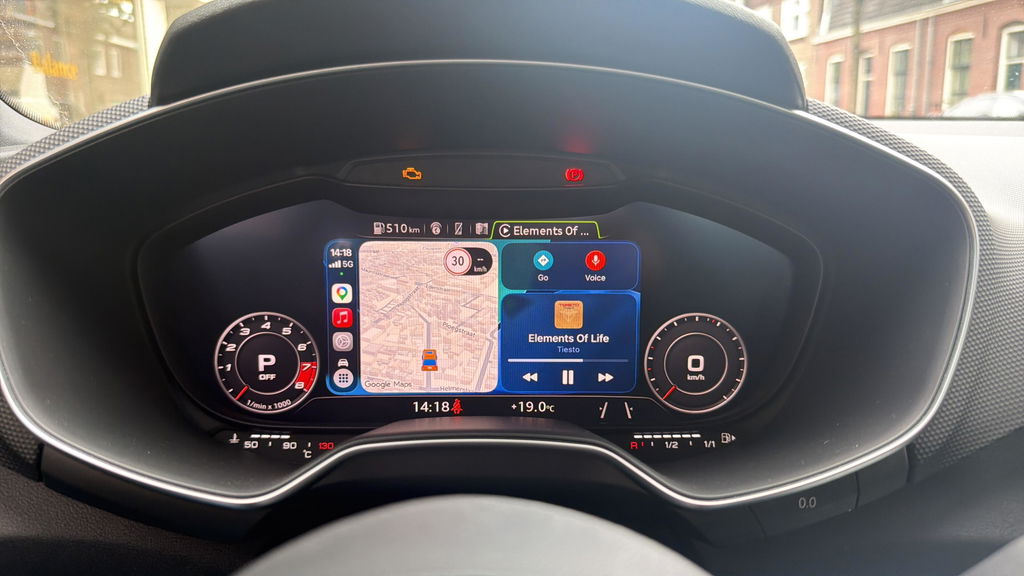
Fullscreen Virtual Cockpit Maps Upgrade
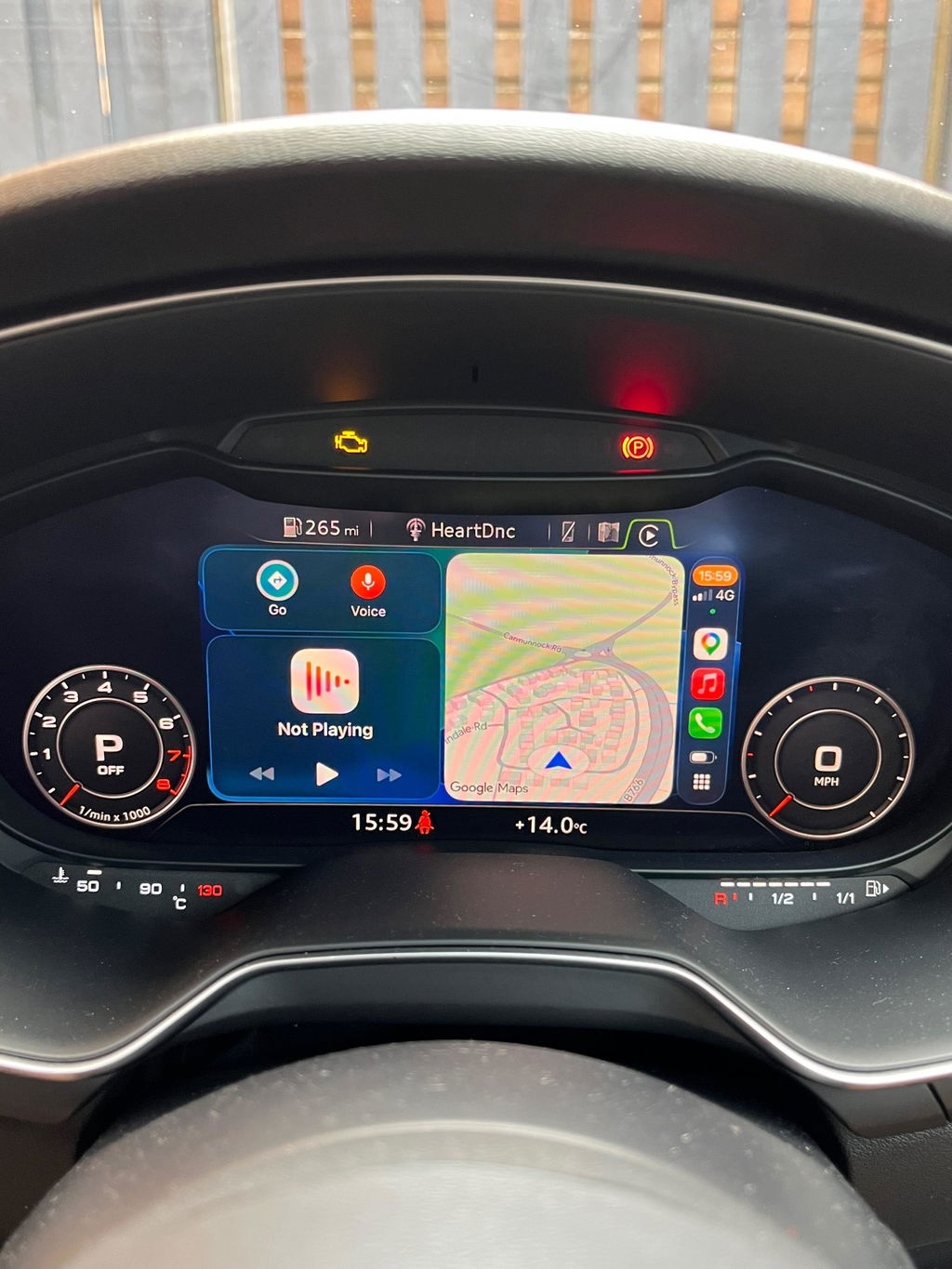
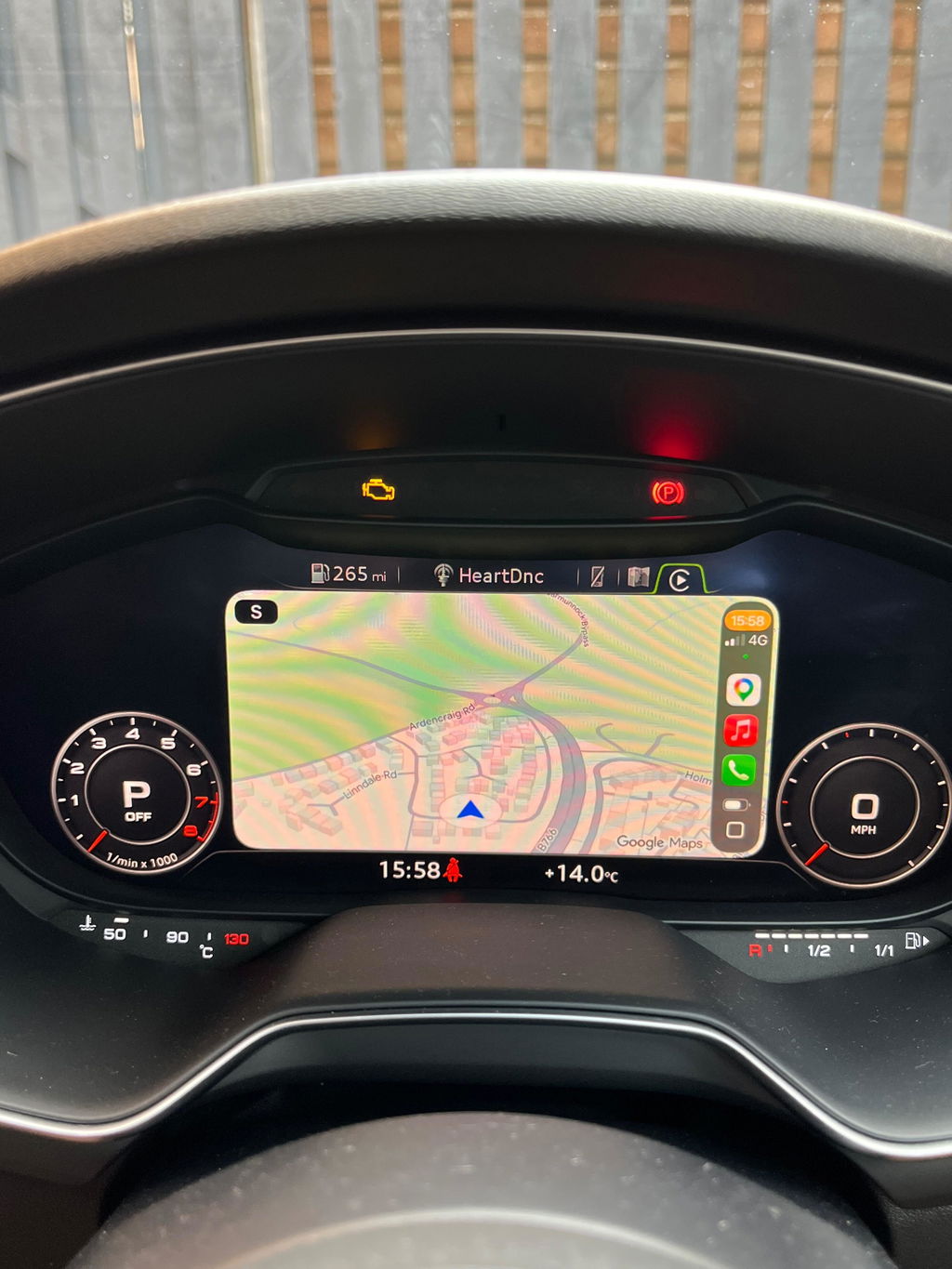
Your iPhone’s Apple Maps, Google Maps or Waze fill the Virtual Cockpit’s map view.
Works with Apple CarPlay only right now – Android Auto is coming soon. See the upgrade
Made for Audi TT MK3 (2014–2022) with MIB2 headunits. One quick check and you'll know:
Hold NAV up and MEDIA down together for at least 5 seconds, then select Version Information.
If your Current Version looks like either of these (where x is any digit/character), you're compatible:
That's it. Pick your delivery method, enter your Version Information at checkout, and you're a few clicks from CarPlay in your Virtual Cockpit. Not 100% sure? Send us a photo of your version screen on WhatsApp and we'll confirm before you spend a penny.
Delivered by email within 24 hours where available, or as a sealed SD card by post.
Each activation is single use and gives a one-time lifetime activation on the head unit it is applied to, so it cannot be reused or returned once supplied.
Not sure which version you have? Message us on WhatsApp before ordering – it is free and takes a few minutes.
By ordering you request immediate supply and acknowledge that you lose your 14-day right to cancel once we send the files, or once you unseal the SD card, under the Consumer Contracts (Information, Cancellation and Additional Charges) Regulations 2013.
This does not affect your rights under the Consumer Rights Act 2015: what we supply must be of satisfactory quality, fit for purpose and as described, and if it is not we will repair, replace or refund it.
Email – you load the files onto your own SD card (8–32GB) using a Windows or Mac computer. We send them within 1–12 hours.
SD card – we post you a card that’s ready to insert. No computer or spare card needed.
Not sure? Pick SD card.
Built into your activation, so both install together · Apple CarPlay only right now – Android Auto coming soon

What happens after you order


Before anything is sent, we check your activation against the version you entered.
Your files arrive by email, or your ready-to-use SD card is posted – whichever you chose.
Follow our step-by-step guide. No garage, wiring or special tools. It takes about 20 minutes.
Before anything is sent, we check your activation against the version you entered.
Your files arrive by email, or your ready-to-use SD card is posted – whichever you chose.
Follow our step-by-step guide. No garage, wiring or special tools. It takes about 20 minutes.
Frequently asked questions
What's the difference between Email and SD card?
Your order data for your Version Information will be delivered via email within 24 hours. Instructions are included. You will need your own Windows or Mac device + spare SD card (between 8-32GB) to carry out the installation.
Email isn't offered in every country. If you only see SD card, that's the option for yours.
You will receive a pre-loaded SD card via the post, plus instructions. No computer or spare SD card needed. This is also the easiest option as it will essentially be plug-and-play.
I have a 2014-2016 model. Do I need a Virtual Cockpit update as well?
Yes. We can supply the correct data as part of your activation. Please send us your Version Information and Virtual Cockpit details via WhatsApp to confirm before placing your order.
Do I need any upgrades?
We highly recommend the Fullscreen Virtual Cockpit Maps Upgrade for the best experience. Your iPhone's Apple Maps, Google Maps or Waze fill the Virtual Cockpit's map view, and we build it into your activation, so both install together. It works with Apple CarPlay only right now – Android Auto is coming soon.
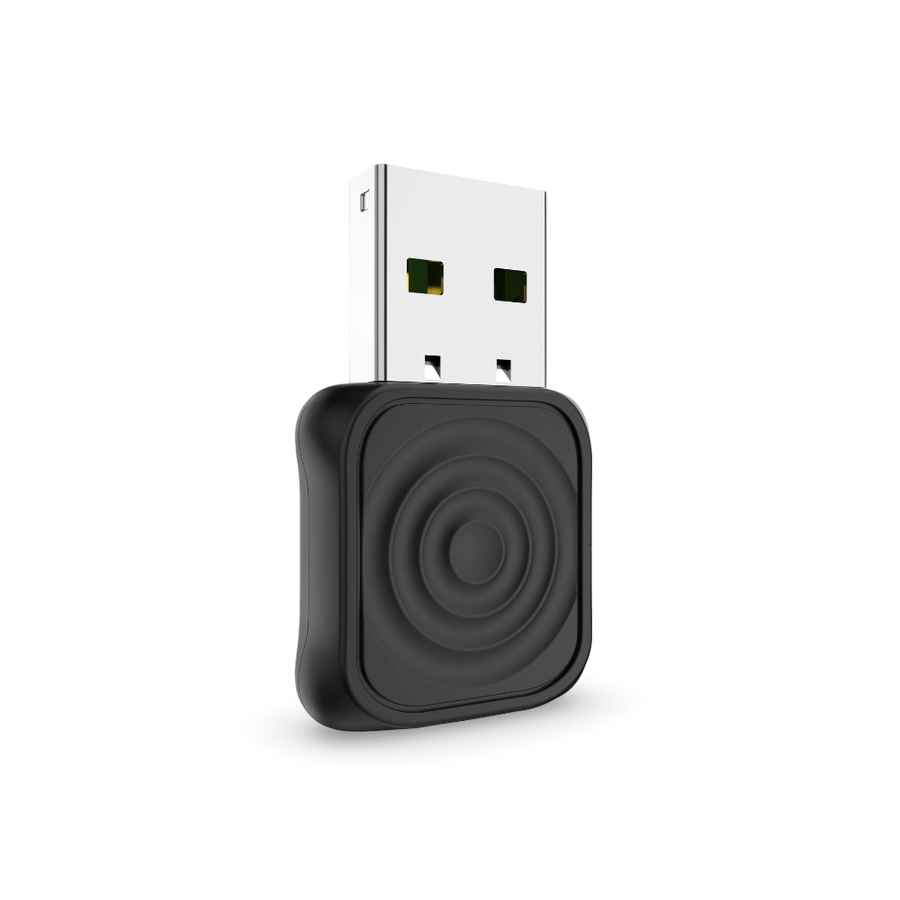
Prefer no cable? The Carlinkit Mini Ultra wireless adapter makes the connection wireless. The map in the cockpit needs your iPhone connected by cable, so plug in whenever you want the map there.
Can you also activate Navigation?
Navigation is also activated as part of this, however, it will require additional configuration and programming to fully enable it on your Virtual Cockpit. We do not offer this as part of this product and recommend customers to use Google Maps/Apple Maps instead.
After using other providers which failed to install CP/AA on my TT, I was pessimistic about trying another company. VisionCoding supplied one SD card, which took 20 minutes to install smoothly without a hiccup, then ‘presto’ the Smartphone icon appeared. Genuine software update and not the rubbish MIB trash every other provider copies and then tries to flog online.
Great pre-sales support. Installation went very smoothly, no problems. No need for post-sales support. The TTS Cockpit made it difficult to see the status as the view changed automatically and covered what was happening. I trusted the instructions and it went well. Luckily there weren’t mane options to choose from so only seeing the first 2-3 letters was ok.
Works exactly as advertised, quick and easy setup using an SD card I already had, using the digital download and the guide provided to format it and install it the files to the car. Wireless USB adapter also works perfectly and is cheap, saw the same one on Amazon for about £50, just bear in mind it uses your wifi so you cant be connected to your home wifi and the adapter at the same time. I've noticed not many reviews show android auto, but it works perfectly for any android users
I recently purchased an Apple CarPlay software update for my 2015 Audi TT from Coding Vision, and I am extremely satisfied with the entire experience.
From start to finish, everything went smoothly. I received all the necessary files promptly via email, along with very clear, step-by-step instructions that were easy to follow even if you’re not very technical. The whole process was straightforward, and once completed, the update works perfectly — Apple CarPlay now functions exactly as it should in my car.
I’m really impressed with the quality of the product and the clarity of the guidance provided. If you’re looking to add or upgrade CarPlay on an older Audi model, I would definitely recommend Coding Vision without hesitation.
Super easy to install, even in the email version because it gives super clear instructions, and it works perfectly, I definitely recommend it
So easy to install, installation instructions easy to follow , only took 20 minutes to complete.
Worked perfectly and easy to install in roughly 20 minutes - simple plug in and play. Instructions were extremely easy to follow. I’m so happy with this product as I nearly didn’t buy my Audi TT due to it not having CarPlay but I took a chance on this after reading previous reviews and I’m so glad I did.
After finding out my new Audi TT mark 3 (18 plate) has apple play but needs to be unlocked I looked into it. I found out it’s expensive at an Audi dealership just to activate it so looked down other avenues. I came across Vision Coding and they had good reviews. I was a bit apprehensive as I’m not great with technology but after a few WhatsApp messages to the company and reading reviews saying it was easy enough I went for the SD card version and the card was delivered two days later.
It took just under half an hour to upload the SD card and also set up a wireless stick to go with it. The instructions were great and just need some patience while it’s uploading.
I would happily recommend these guys and at a fraction of the price 🙌🏻
Brilliant, thanks!
It was a fairly simple operation to install - just need to be patient and allow more time between steps if necessary. It's great to have Apple car play available without paying Audi prices!
I purchased and installed the update. Everything worked as described. Excellent.
Highly recommend Vision Coding to provide and support this activation. I opted for the files to be emailed to me and DIY the activation myself. The process was supported every step of the way by Vision Coding offering a thoroughly professional service. I learnt a few things and the whole process is not as scary as I first believed with their support. I am very very pleased.
Excellent service, would definitely recommend!
So my Android Auto Activation went smoothly. Instructions were clear and rightly pointed out the risks etc.....
I printed out the steps and ticked them off as I went through - it worked fine - but the 45 minutes or so it took was quite scary
Excellent service from vision Coding really easy to process the update to CarPlay would highly recommend.
Excellent upgrade and just wish I had done it a long time ago. I checked with Vision Coding that I wouldn't lose the existing cockpit navigation and they were very quick to reassure on this. The instructions are very clear, absolutely precise about what to do and when, and the install tracked the guide perfectly. I resisted temptation to press any buttons while it was happening and at the end the only warning light was the TPMS which disappeared after one journey. Before the install, my TT was totally Audi spec and it still works the same with the option to have Carplay or Android Auto instead of Audi's map. And you can switch from one to the other using the menu. Totally brilliant!
Does exactly what is says and makes the car so much more user friendly
Installed ok but for whatever reason it’s not working. I’d support had helped me solve the issues that would have been fine, but no reply via email or via the WhatsApp link
Great peace of kit and very easy to set up if you follow the instructions. Wish I’d fitted it years ago
Ordered the software for email delivery. Got it next day - on a Sunday too. Followed the very precise instructions and loaded my sd card. Update took just 15 minutes for me. Game changer to the car media centre. Brilliant. Never had to use the support so can’t comment but I’m sure it’s first rate given I got my order over a weekend. Top job!
I had been wanting to upgrade my Audi TTS for quite some time to have CarPlay available, but had never felt comfortable with the steps required, but then I came across Vision Coding and from the initial contact with them prior to order to enquire on a few things, all the way through to completing the firmware activation, it couldn't have been easier. The instructions were detailed and easy to follow and while there was one minor hiccup post the activation, when I shared this with Vision Coding, they were able to let me know they could rectify it and did so, again, with clear instructions and a smooth process to complete in the MMI system. I have no hesitation recommending to others looking to upgrade their system too and benefiting from Vision Coding's solutions and professional and prompt communications.
Easy download and I s
Great product, delivered as advertised. Really great instructions and support.
Great product arrived before the expected date and was really easy to install using the instructions they supply
Great service and great comms


Buy Now, Pay Later
Pay in instalments with 0% interest through Shop Pay or Klarna

870+ reviews
Rated 5.0 on Google and 4.9 on Judge.me by customers since 2023.

Worldwide shipping
Dispatched within 1 working day, to the UK and worldwide.